Getting Started with Home Assistant: Complete Guide
Complete guide to installing and getting started with Home Assistant, from hardware selection to your first automation

SmileX
Founder & CEO
1 min read
บทนำ
Home Assistant เป็นแพลตฟอร์ม Smart Home แบบโอเพนซอร์สที่ให้ความเป็นส่วนตัวและความยืดหยุ่นสูงสุด ในบทความนี้ เราจะพาคุณเริ่มต้นการใช้งานตั้งแต่การติดตั้งจนถึงการสร้าง Automation แรก
การเลือกฮาร์ดแวร์
ตัวเลือกยอดนิยม
- Raspberry Pi 4 - ตัวเลือกยอดนิยม ราคาประหยัด
- Raspberry Pi 5 - ประสิทธิภาพสูงกว่า
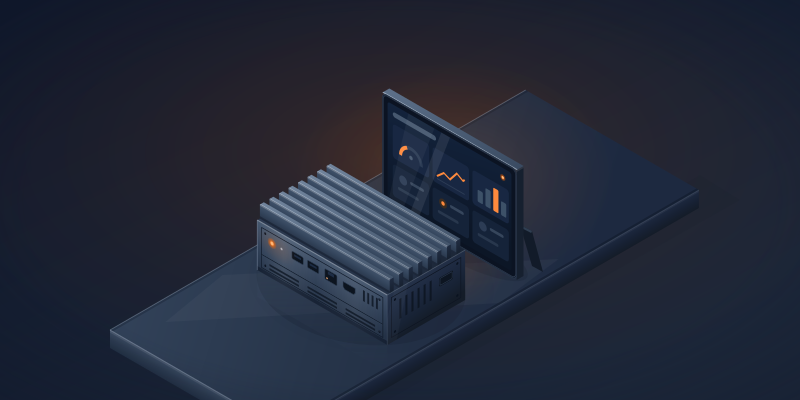
- Mini PC (N100/N95) - ประสิทธิภาพสูง ราคาไม่แพง
- Dedicated Server - สำหรับผู้ใช้ขั้นสูง
การติดตั้ง
วิธีที่ 1: Home Assistant OS (แนะนำ)
# Download and flash to SD card# ใช้ Raspberry Pi Imager หรือ Etcherวิธีที่ 2: Docker
docker run -d \ --name homeassistant \ --privileged \ --restart=unless-stopped \ -e TZ=Asia/Bangkok \ -v /path/to/config:/config \ -v /run/dbus:/run/dbus:ro \ --network=host \ ghcr.io/home-assistant/home-assistant:stableสร้าง Automation แรก
automation: - alias: "Turn on lights at sunset" trigger: - platform: sun event: sunset action: - service: light.turn_on target: entity_id: light.living_roomบทสรุป
Home Assistant เป็นจุดเริ่มต้นที่ดีสำหรับการสร้าง Smart Home ที่เป็นส่วนตัวและทรงพลัง ในบทความถัดไป เราจะพูดถึงการเพิ่มอุปกรณ์และการสร้าง Automation ที่ซับซ้อนมากขึ้น